
Opens, clicks, devices, timing, reminders — captured the instant they happen and surfaced right inside the inbox you already use.

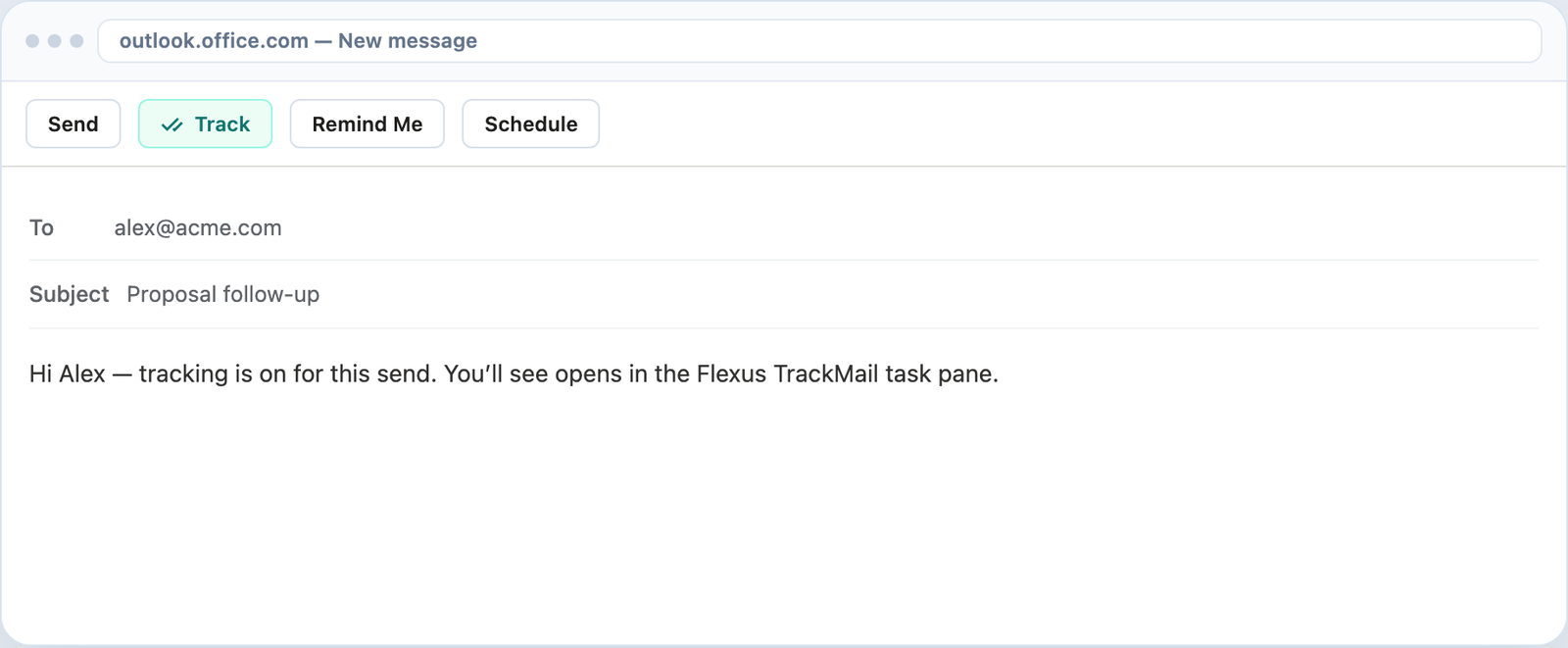
Flip tracking on in Outlook's ribbon or Gmail's compose toolbar and send as usual. TrackMail records every open and click without asking you to change mail clients.
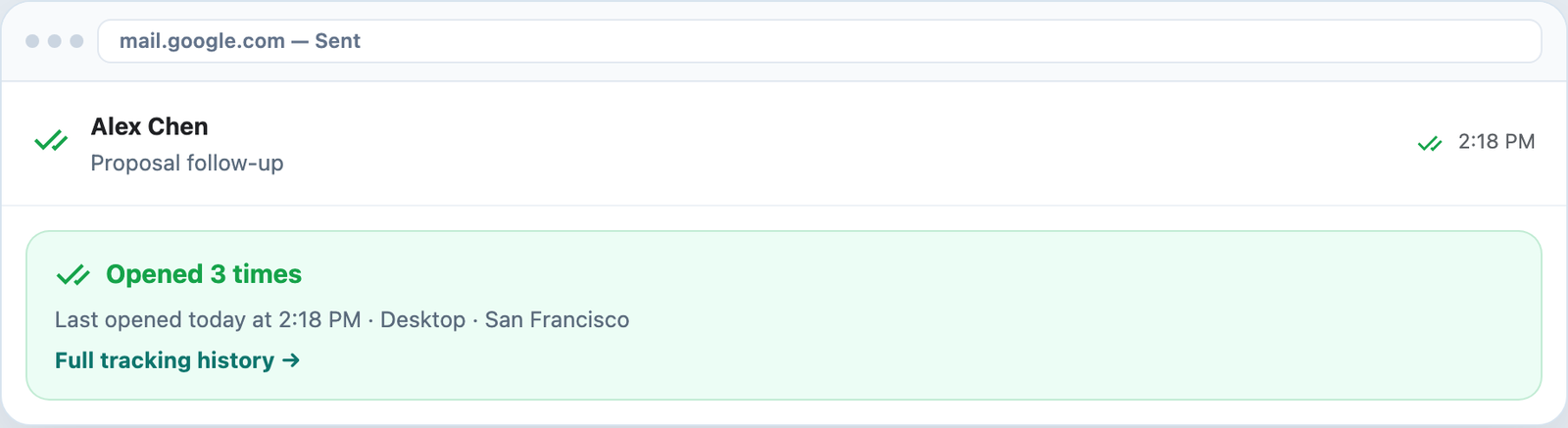
One check when it sends, two green checks when it's read. The read receipt Outlook and Gmail never shipped — no awkward request dialog for your recipient.
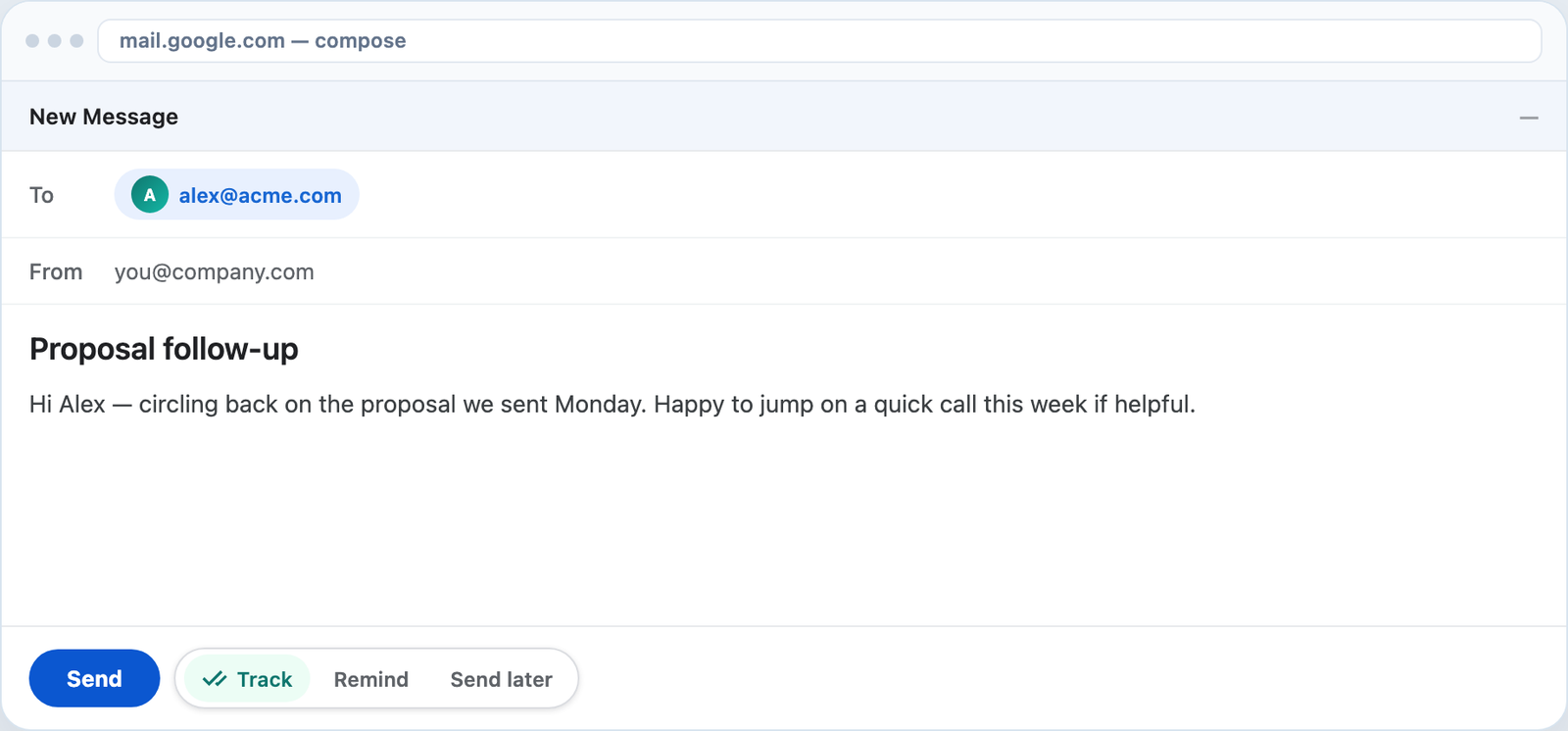
A Track toggle sits right in Gmail's compose window. Opens and click CTR appear in a side panel, and Chrome tells you the second something happens.
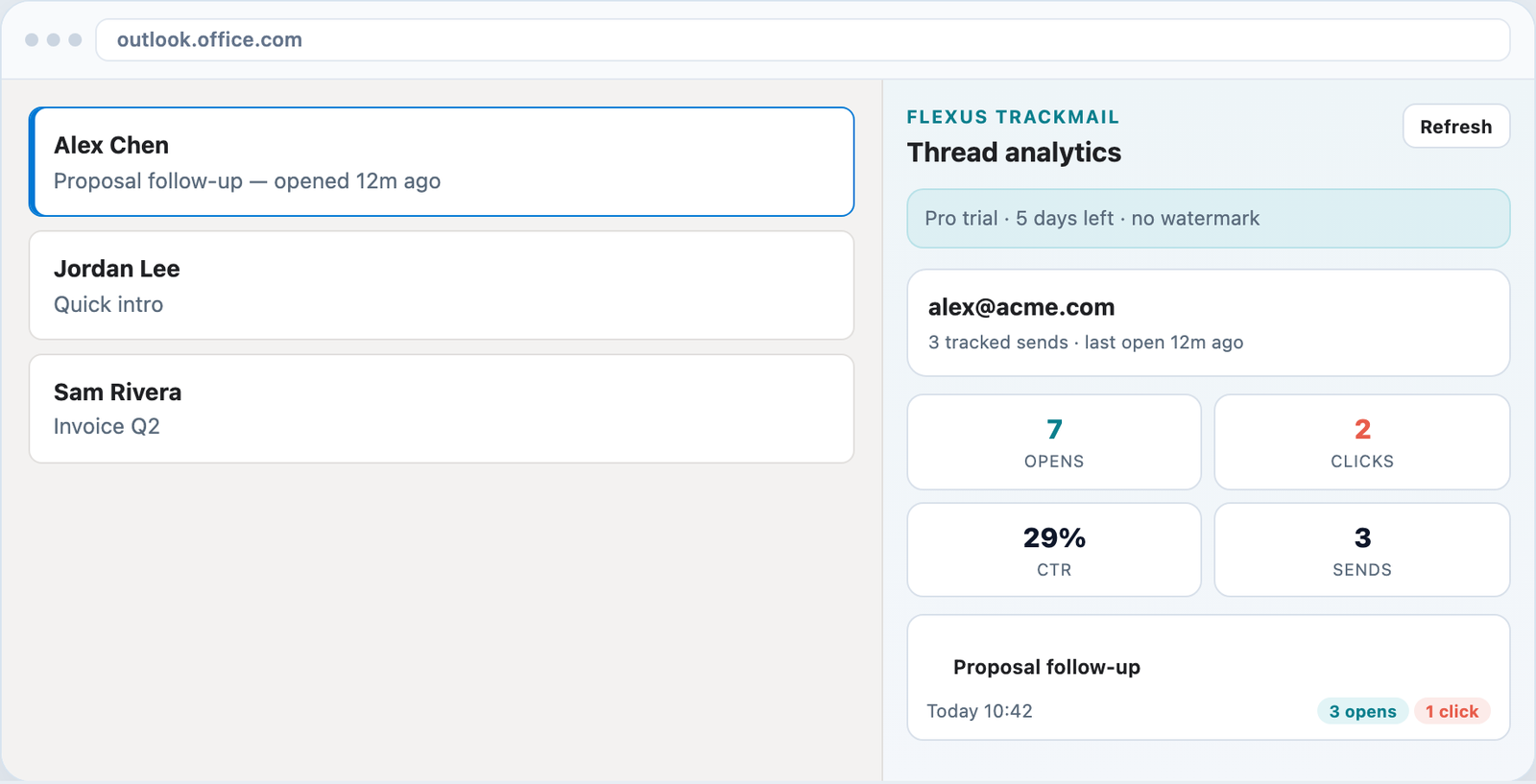
A Microsoft 365 add-in that tracks on send and gives you a task pane of thread KPIs, click CTR, and follow-up reminders that fire on your conditions.
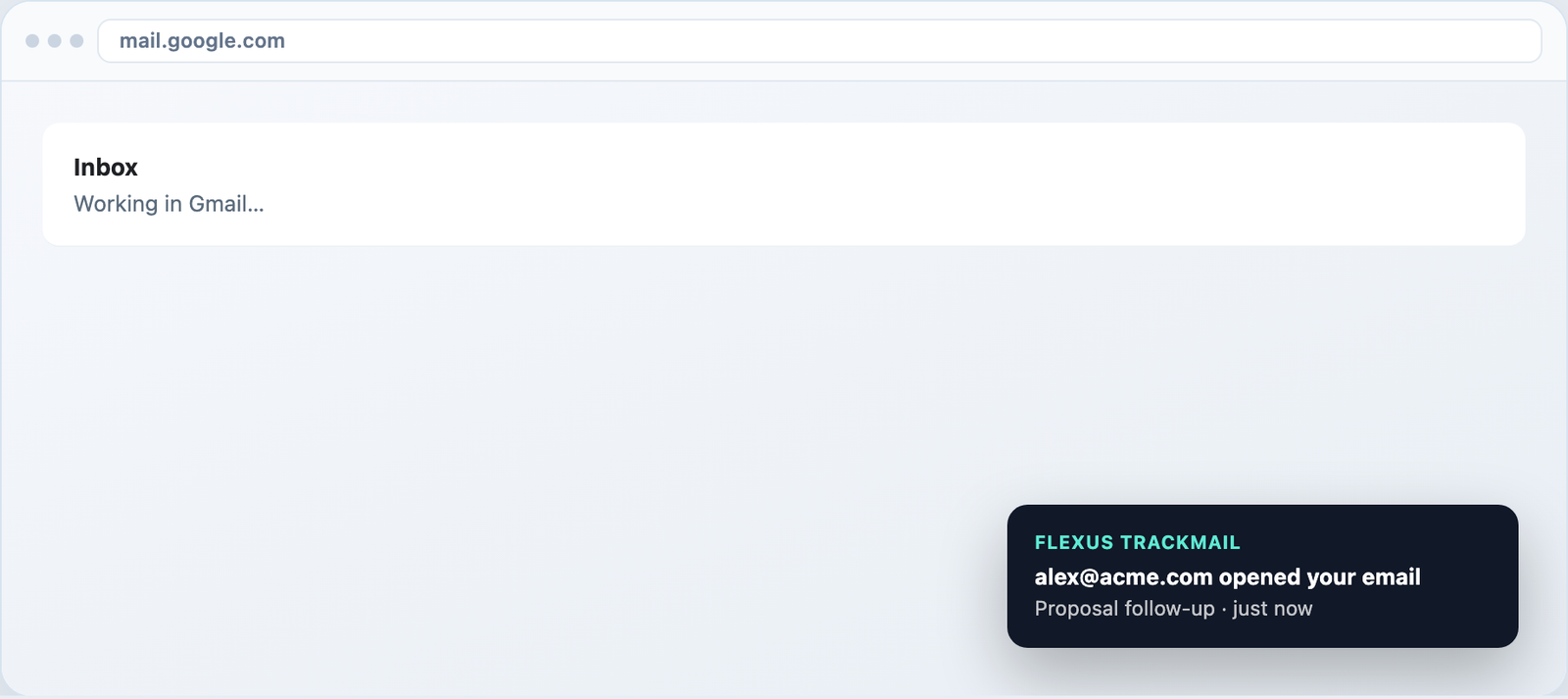
Realtime web push in the app and Chrome notifications in Gmail. Reply while your prospect still has your email on screen — not three days later.
No passwords stored, ever. Sign in with Microsoft or Google and revoke access whenever you like.
Team data stays scoped to your workspace, with published privacy terms and a Google API disclosure.
Schedule sends through Microsoft Graph or the Gmail API so your mail arrives at the right local hour.
Links rewrite through TrackMail so genuine clicks are counted individually, per destination.
Keep tracking after the trial ends with a small watermark and blurred link URLs. Upgrade anytime.
Proxy opens from image caches are labeled, so a machine open never gets mistaken for a human one.
Know when messages are opened in the inbox you already use.
Visual confirmation on every tracked send.
Desktop toasts in Gmail and alerts in the web app.
Track forever free, upgrade when you need clean sends.
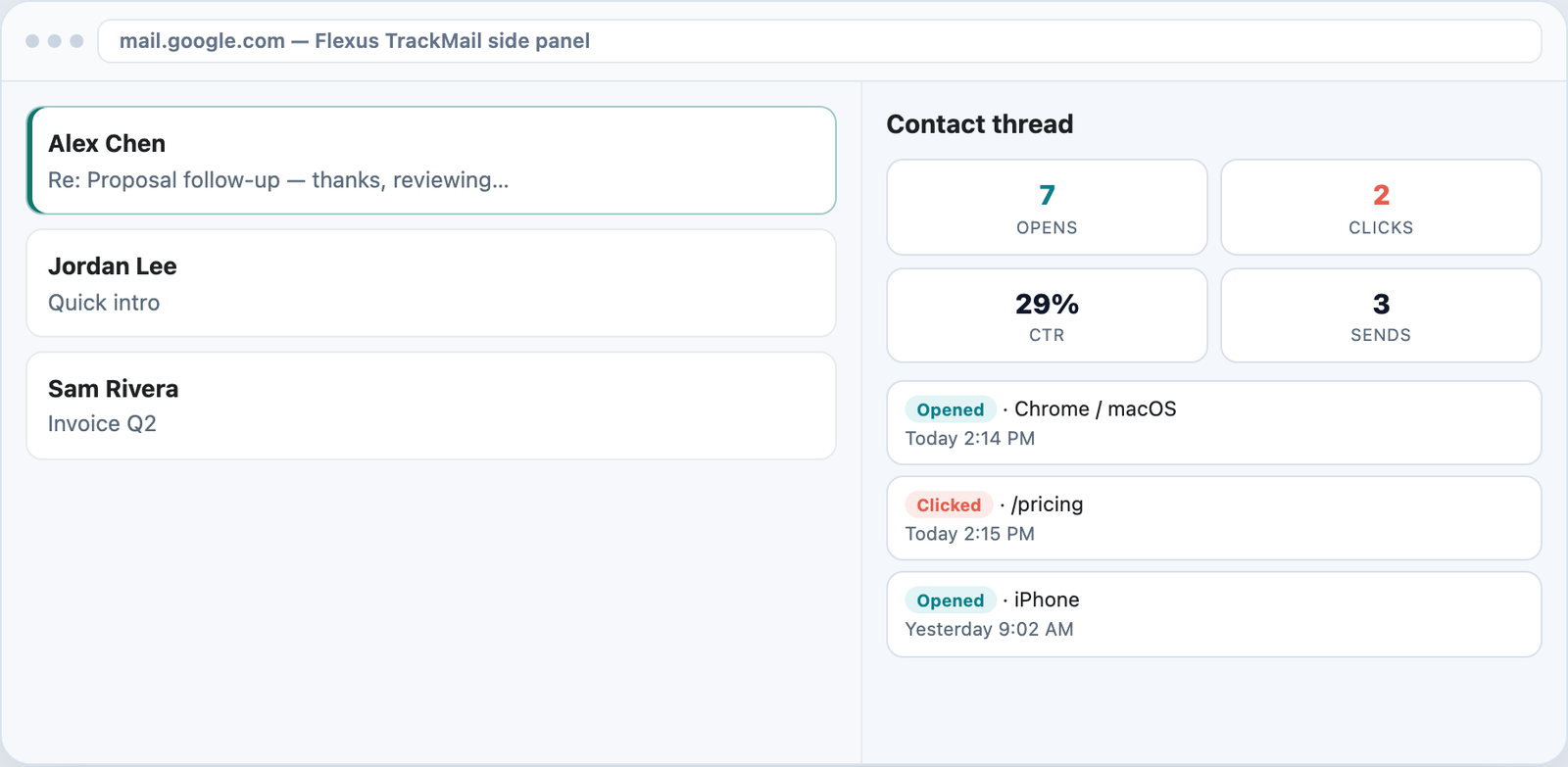
Per-URL clicks and CTR on every contact thread.
Native Track toggle next to Gmail Send.
Task pane KPIs for every contact thread.
Follow up automatically when they don’t open.
Sign in with Microsoft or Google. The add-in and the extension are included on every plan.
Start free trial