
01
Sign in with Google
Create your Flexus TrackMail account at trackmail.theflexus.com.

Gmail
The free Gmail email tracker extension for Chrome. Track, Remind, and Send later on Gmail compose — double checks on sent mail and a side panel for thread analytics.
7-day Pro trial · No credit card · Microsoft or Google sign-in
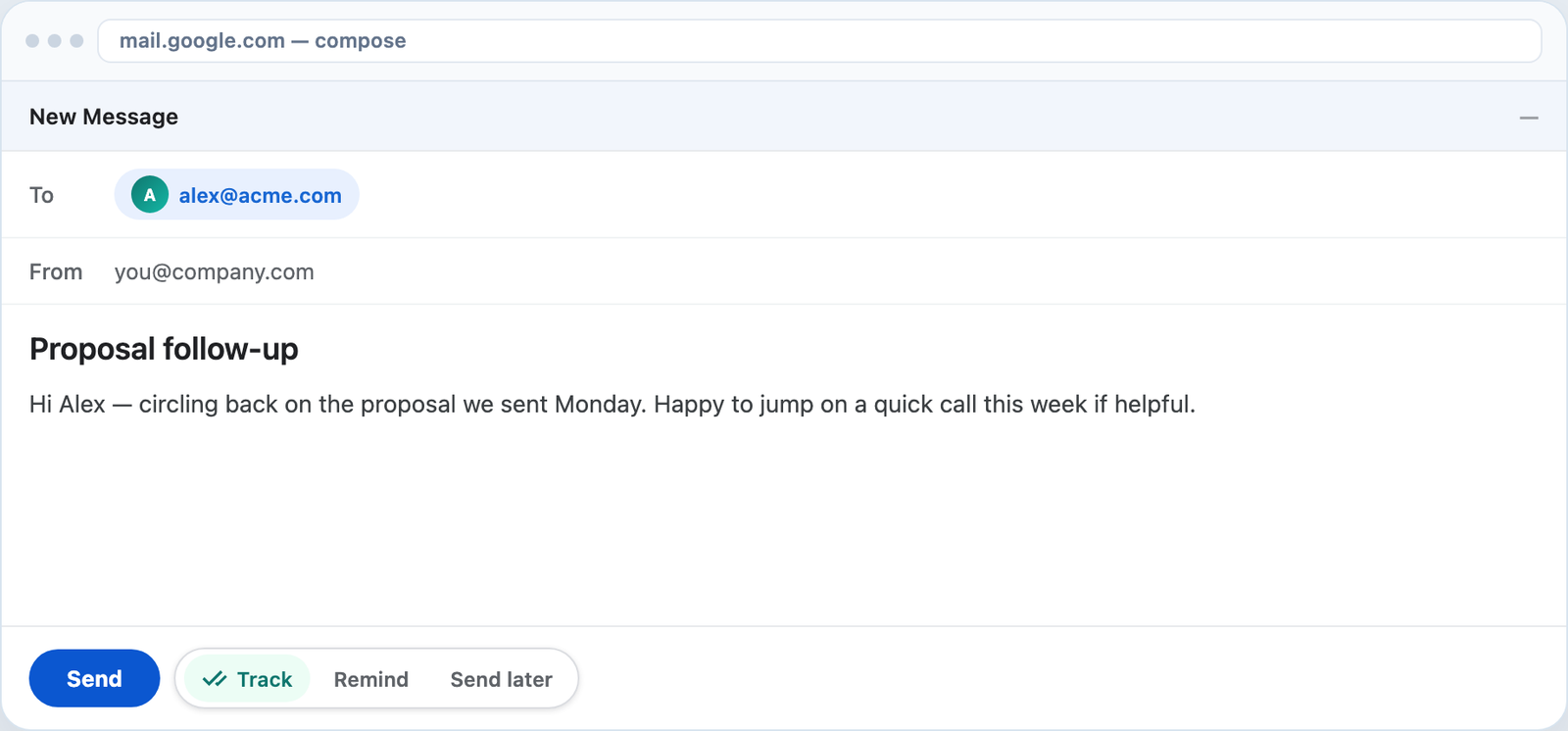
Compose
A compact Track control sits on compose. Leave it on and each send registers open tracking and link rewriting automatically.
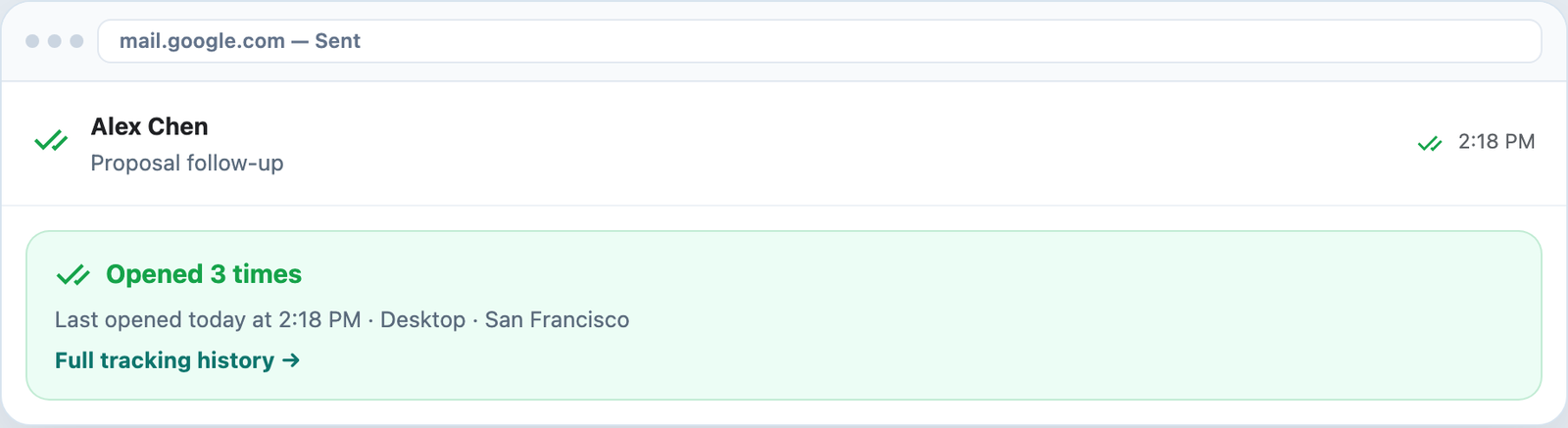
Sent mail
Green double checkmarks and open counts appear on tracked sent messages — plus a path to full history.
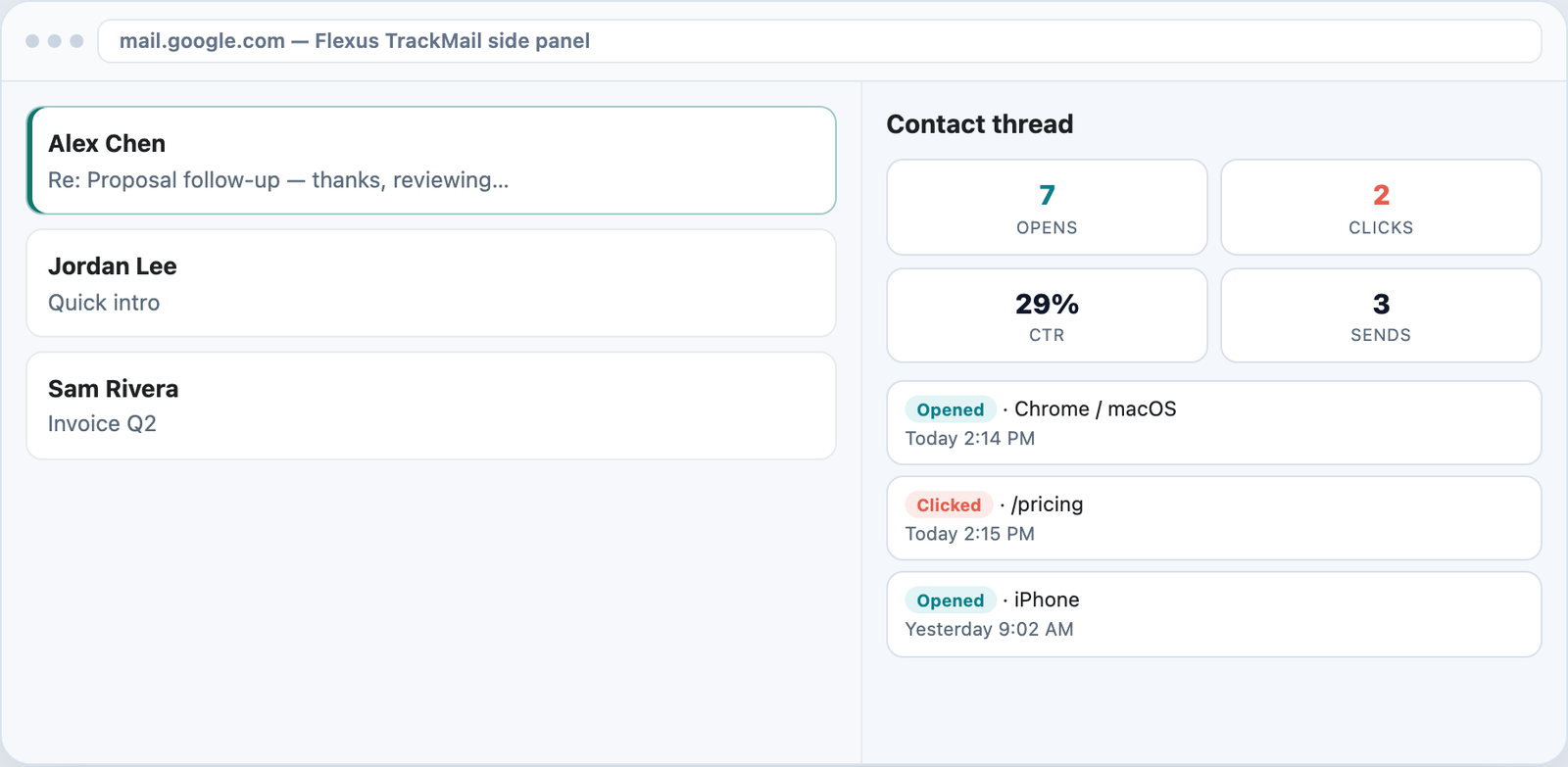
Side panel
Open the Flexus TrackMail side panel for opens, clicks, CTR, and a timeline for the contact.
How it works
Create your Flexus TrackMail account at trackmail.theflexus.com.
Install from the Chrome Web Store, then pin Flexus TrackMail for Gmail.
Compose as usual — TrackMail handles the rest.
Who it’s for
Track investor and customer mail from Chrome.
See opens on outreach without leaving Gmail.
Follow proposals and creative links.
Confirm clients opened statements and decks.
FAQ
Yes. Flexus TrackMail is a free Chrome extension for Gmail with unlimited open and click tracking on the Free plan. Upgrade to Pro or Business to remove the tracking watermark and unlock scheduled send and reminders.
After you install the extension and sign in with Google, a small Track toggle appears next to Gmail Send. Leave it on and Flexus TrackMail embeds an open-tracking pixel and, optionally, click-tracking links — no changes to how you write or send email.
The extension does not notify the recipient. Detection works the same way most read-receipt and email-tracking tools work: a small tracking pixel loads when the message is opened.
Yes — you get a desktop notification the moment your email is opened, plus a double-checkmark indicator and open count directly on the sent message in Gmail.
Yes. Flexus TrackMail rewrites links in your email so you can see exactly which link was clicked and when, alongside open tracking.
Yes — the same Flexus TrackMail account works with the Gmail Chrome extension and the Outlook add-in, so you can track email from either inbox.
Related
Know when messages are opened in the inbox you already use.
Visual confirmation on every tracked send.
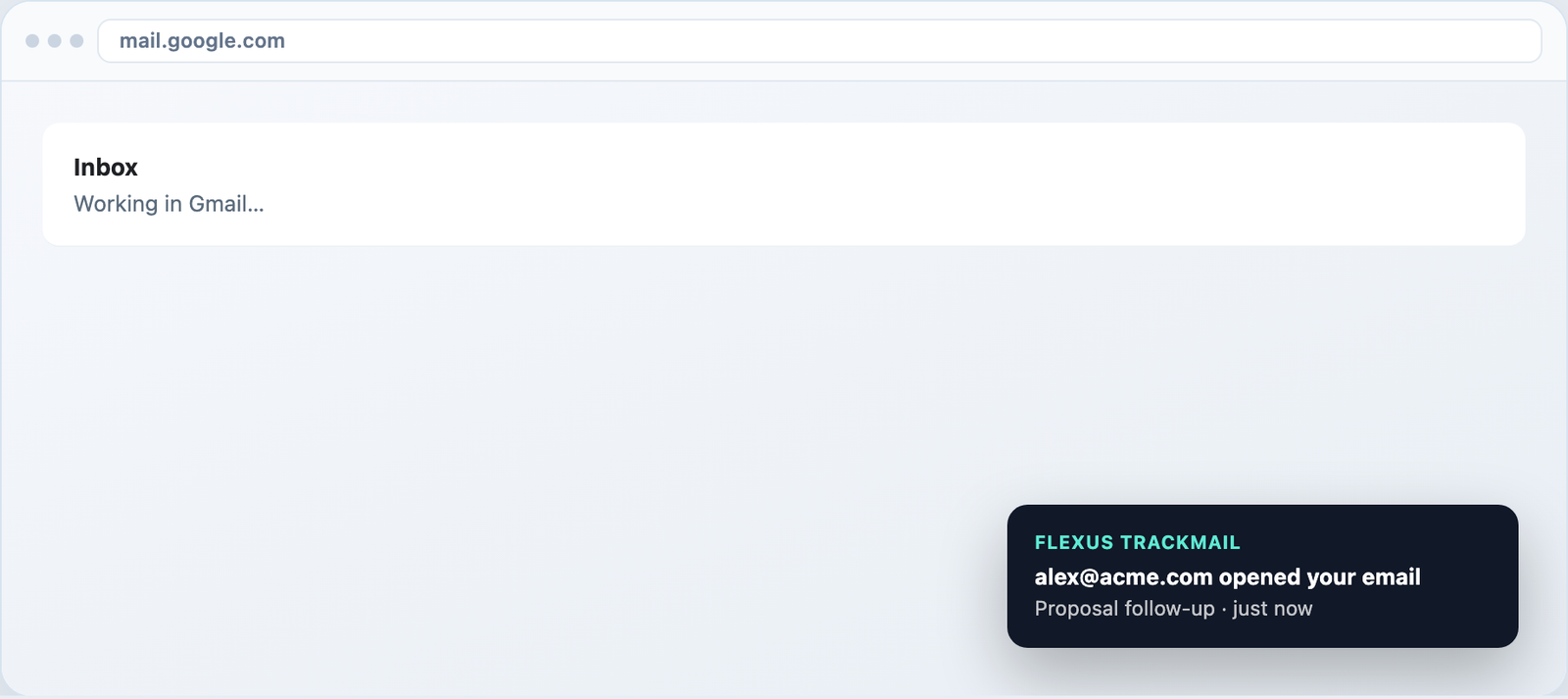
Desktop toasts in Gmail and alerts in the web app.
Track forever free, upgrade when you need clean sends.
7-day Pro trial for Outlook and Gmail. No credit card required.