01
Create your account
Sign in with Microsoft or Google — no password signup.
Core feature
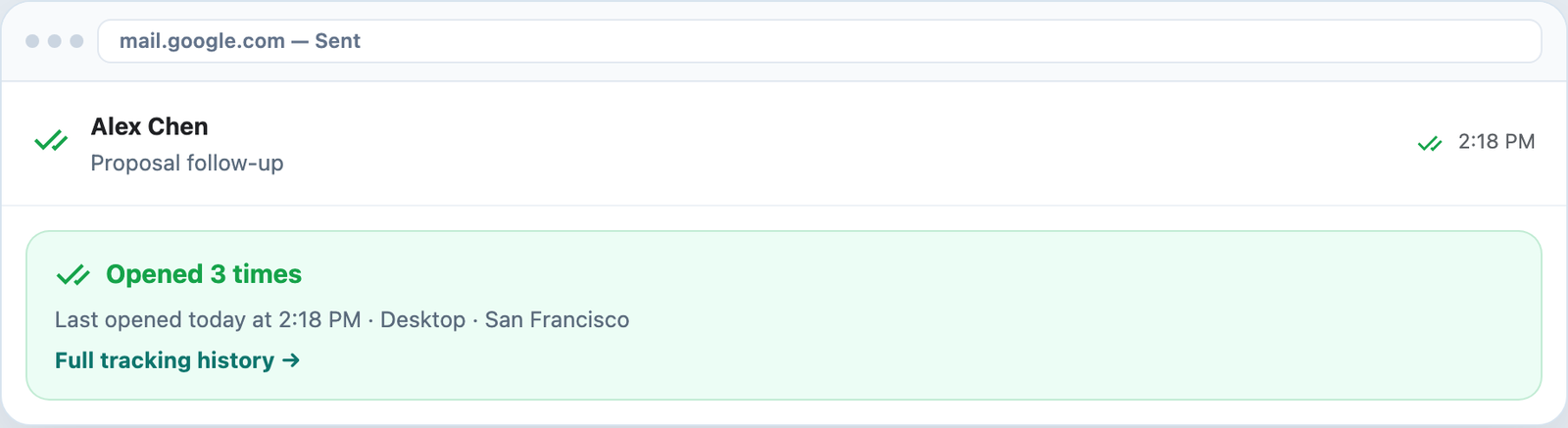
See when your emails are opened — right inside Outlook and Gmail. Green checkmarks, open counts, and timestamps without leaving your inbox.
7-day Pro trial · No credit card · Microsoft or Google sign-in
Why track
Stop guessing whether a message was seen. Follow up when your email is top of mind — in Outlook or Gmail.
Outlook + Gmail
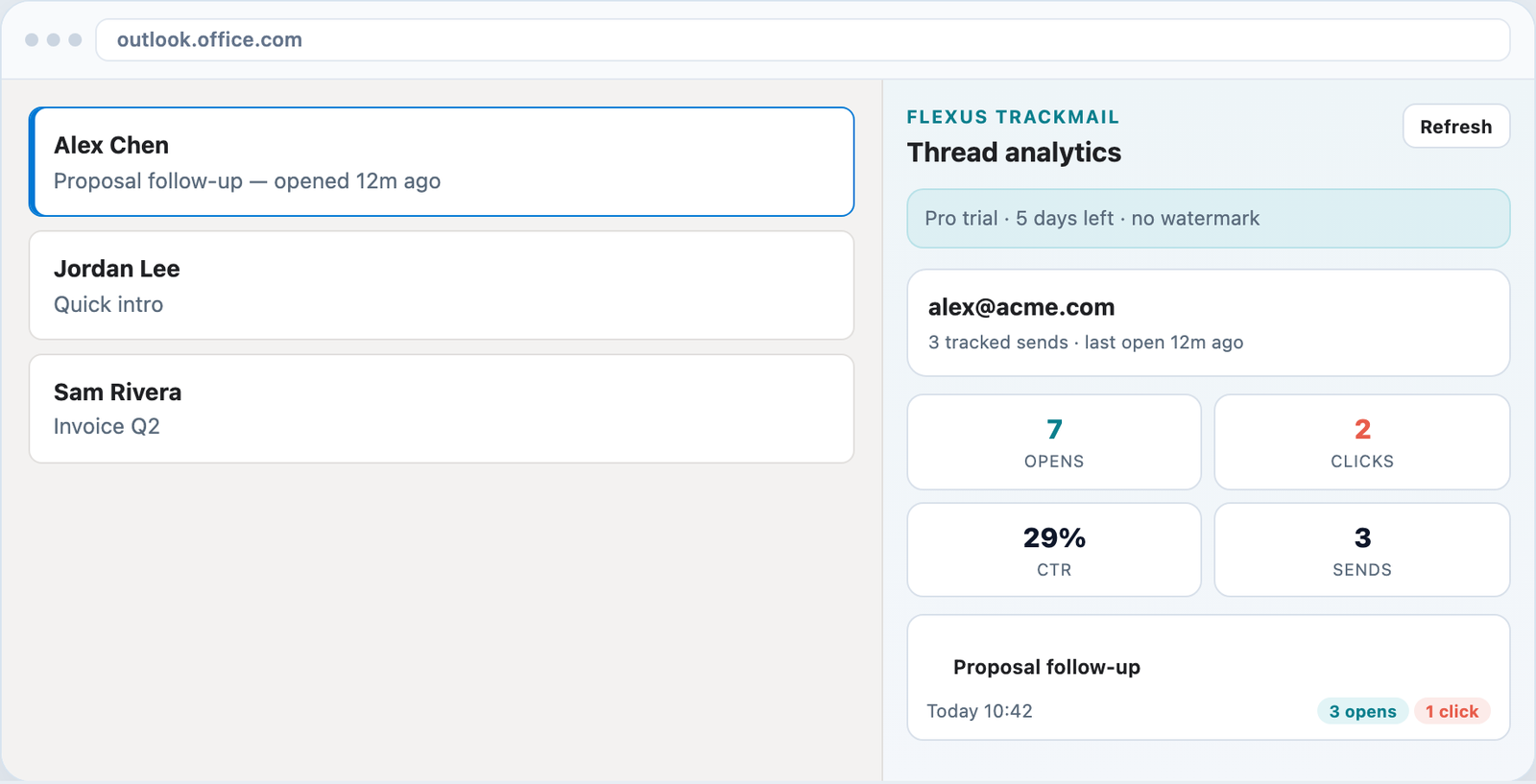
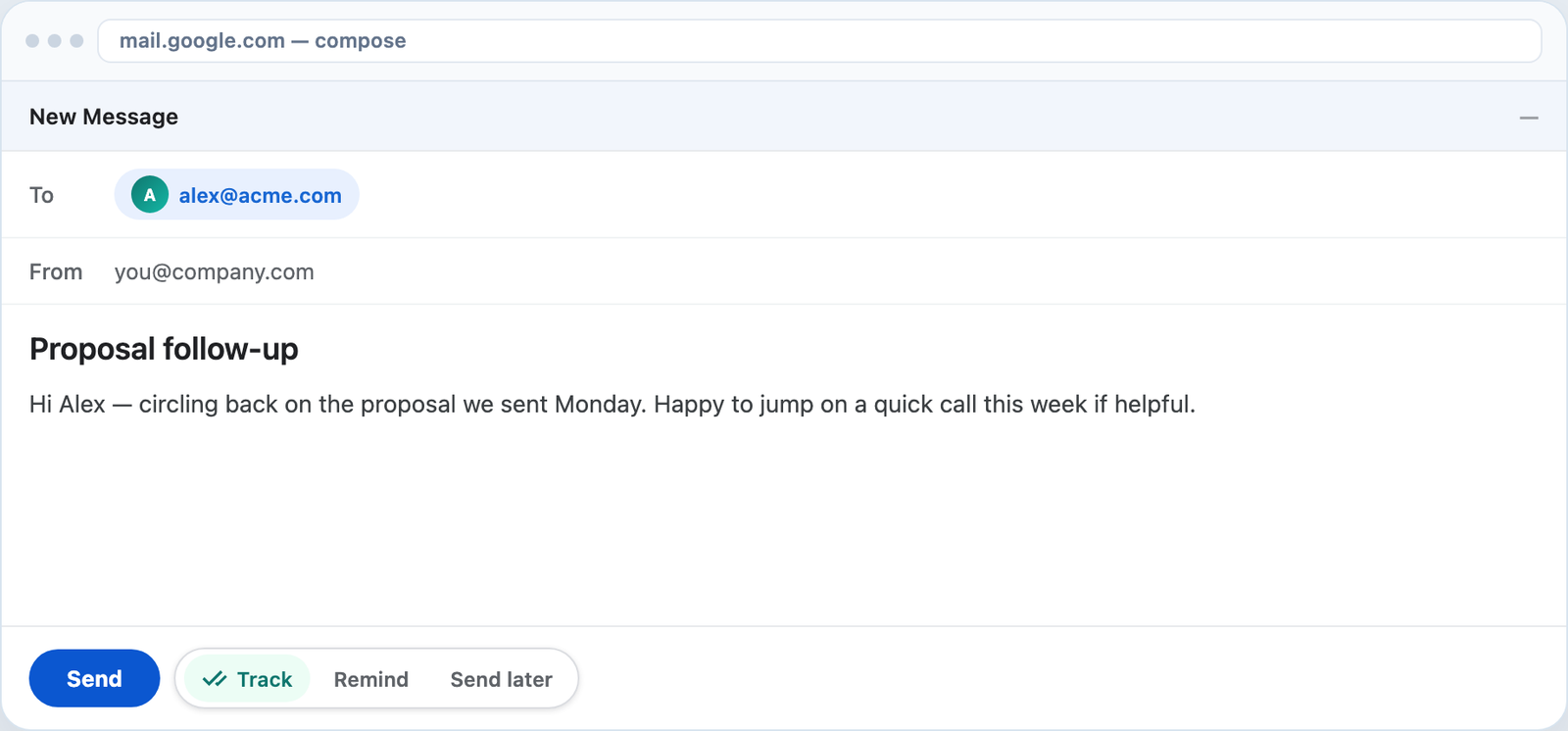
Toggle tracking in Gmail compose or Outlook send. Check read status from the same place you work.
Thread analytics
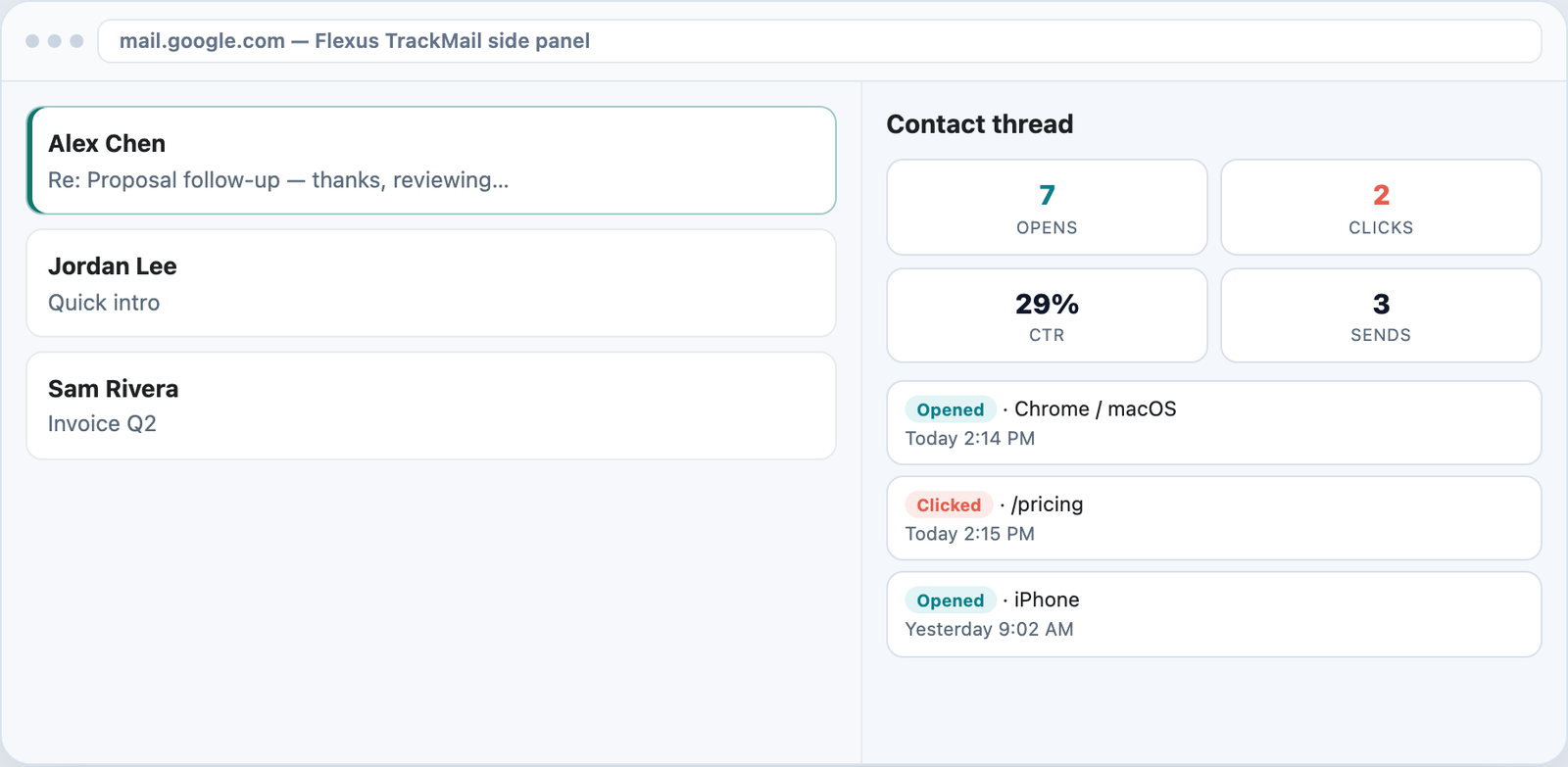
Contact-thread history shows every tracked send so you see conversation health before you follow up.
How it works
Sign in with Microsoft or Google — no password signup.
Add the Outlook add-in or Chrome extension and turn Track on.
Green checks and alerts appear when recipients read your mail.
Who it’s for
Call prospects minutes after they open your pitch.
Know when a candidate read your role description.
Follow up on quotes while the client is reviewing.
Confirm stakeholders saw critical project emails.
Related
Visual confirmation on every tracked send.
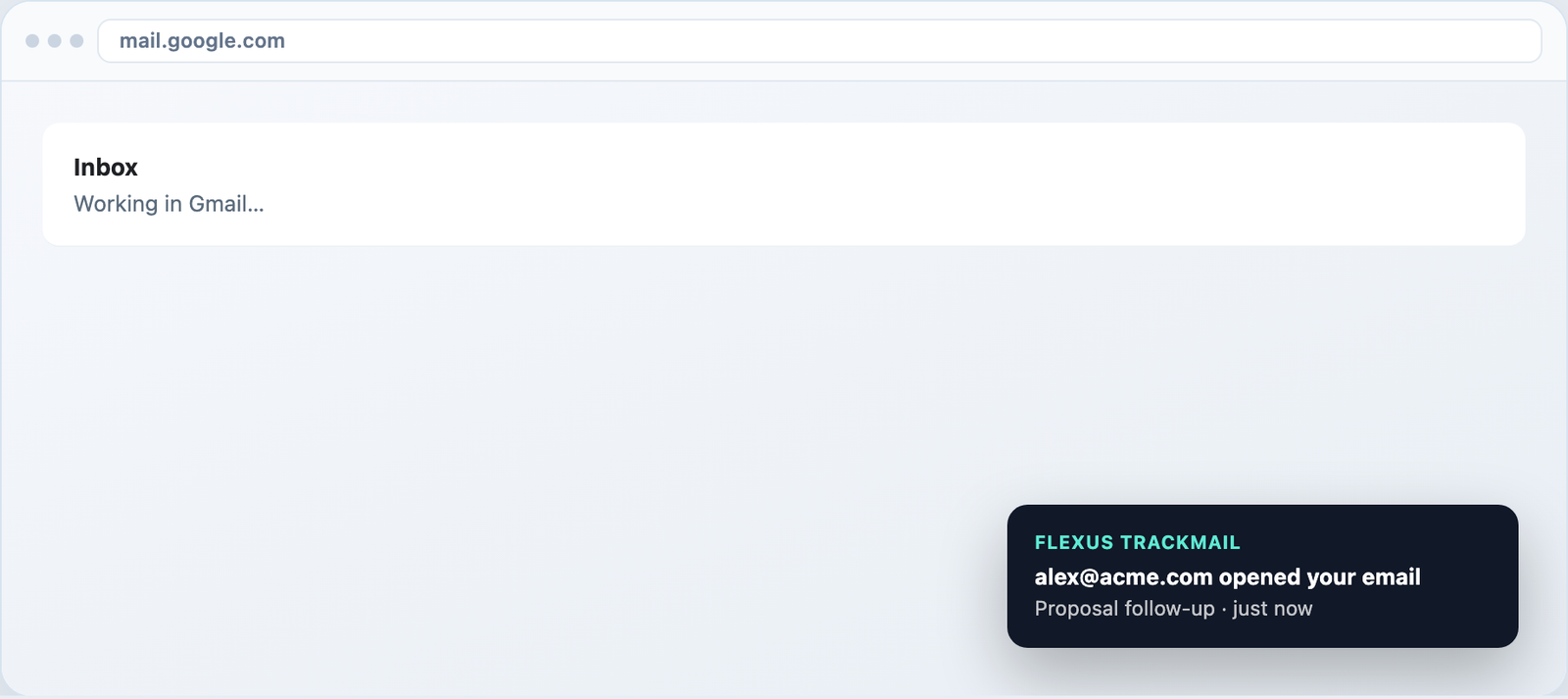
Desktop toasts in Gmail and alerts in the web app.
Track forever free, upgrade when you need clean sends.
Per-URL clicks and CTR on every contact thread.
7-day Pro trial for Outlook and Gmail. No credit card required.