01
Add Flexus TrackMail
Sign in with Microsoft or Google and install your client.

Core feature
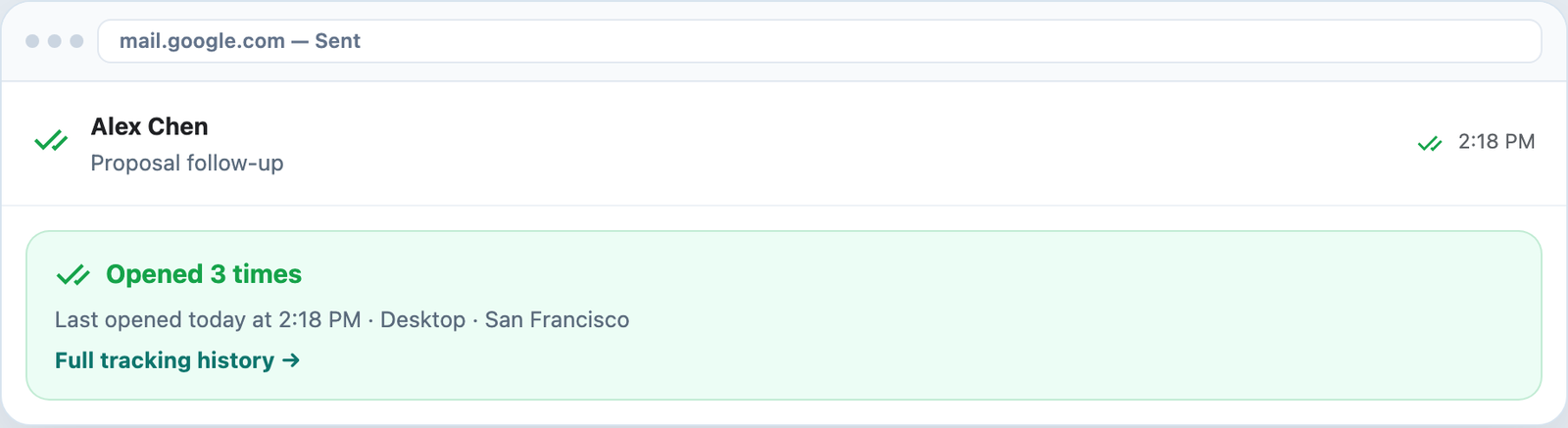
Double green checkmarks show the moment your email is read — the read receipt experience Outlook and Gmail should have had built in.
7-day Pro trial · No credit card · Microsoft or Google sign-in
Compose
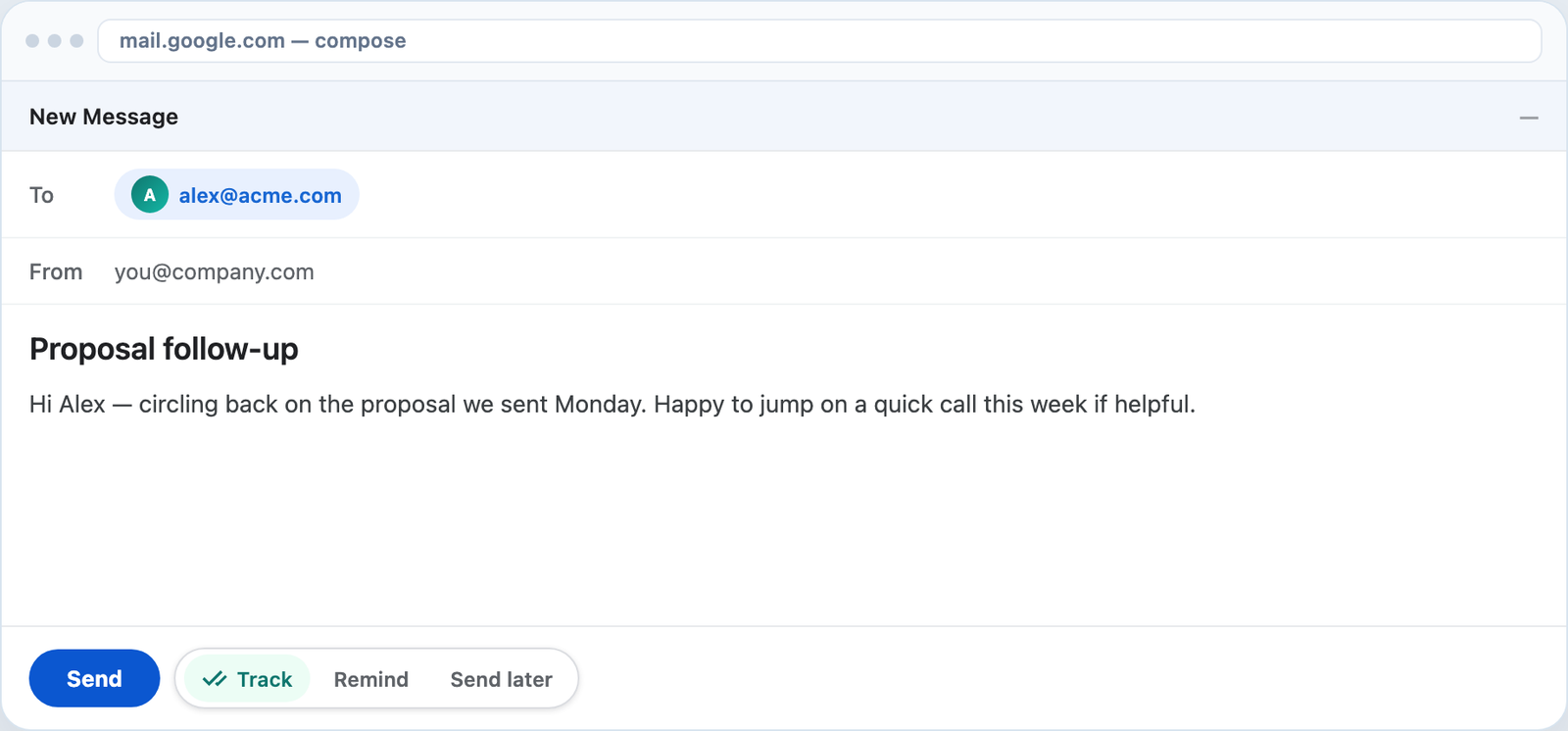
The Track toggle in Gmail compose (and Outlook send) makes read receipts opt-in per message.
Native feel
Sent → read. Double green checks update in your inbox so status is always one glance away.
Clarity
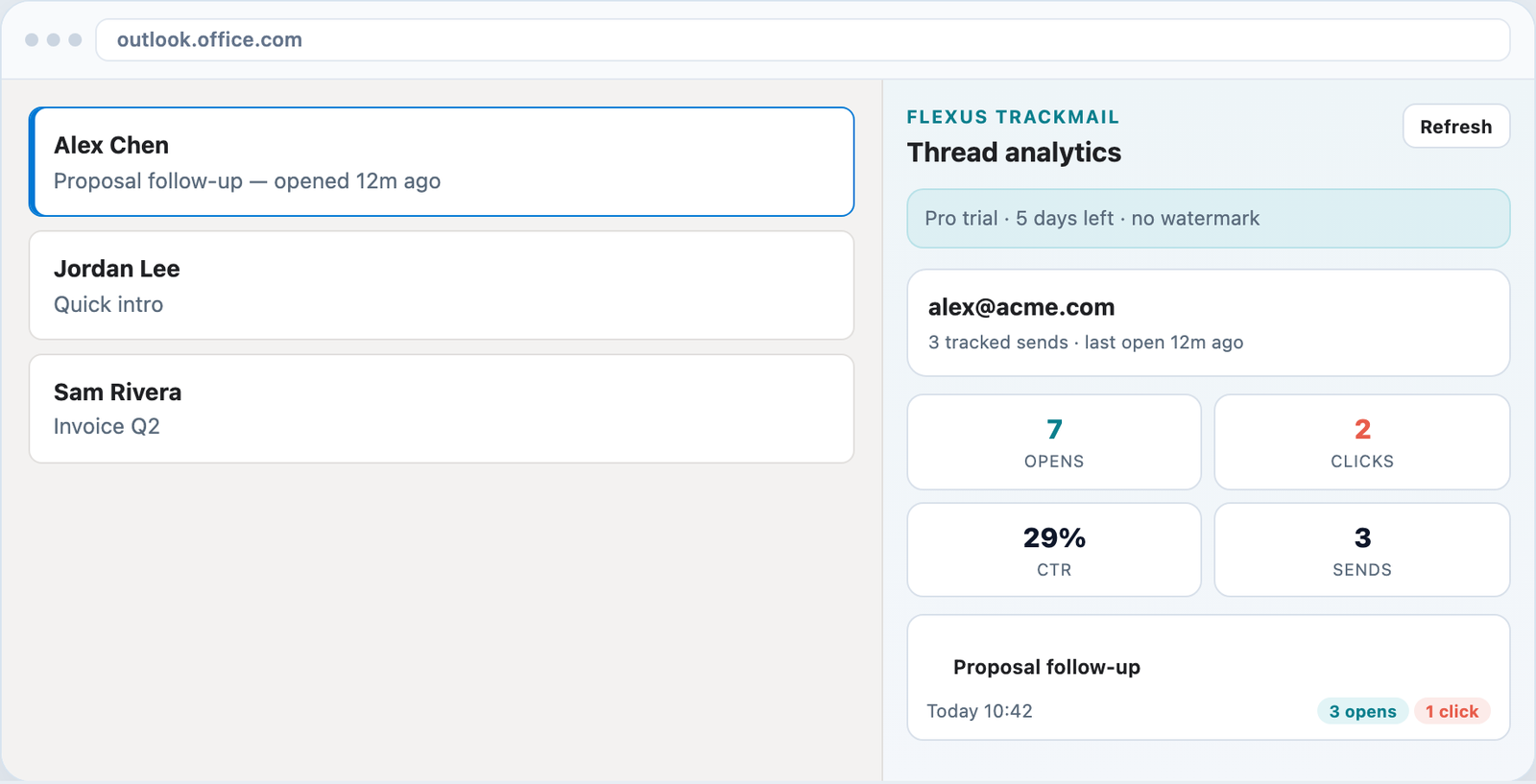
Each tracked email shows open count, device signals, and timestamps in the side panel or Outlook task pane.
How it works
Sign in with Microsoft or Google and install your client.
Turn on Track in compose before hitting Send.
When they open, double checkmarks and open counts appear.
Who it’s for
Know the counterparty opened terms before your call.
See if a candidate read your availability email.
Confirm finance saw the bill without a chase email.
Time follow-up to when journalists open the release.
Related
Know when messages are opened in the inbox you already use.
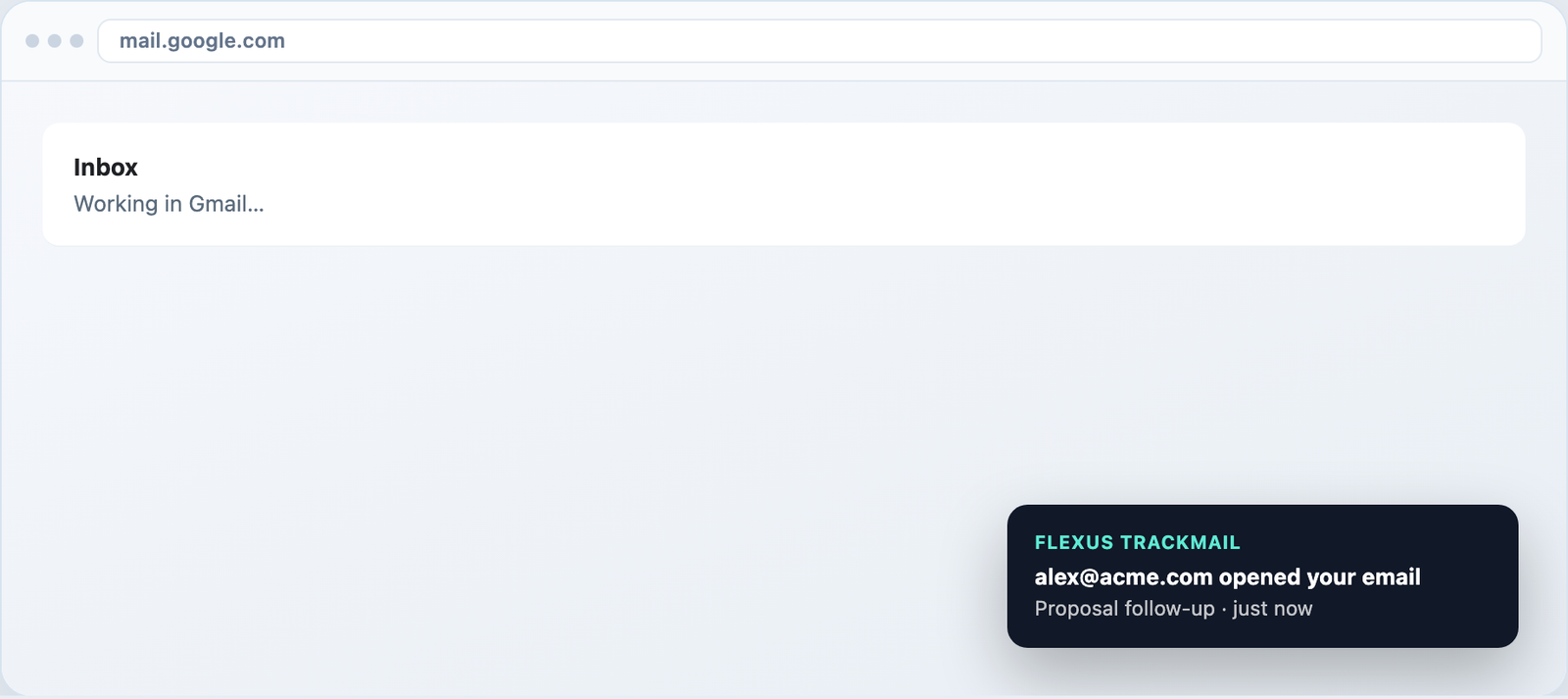
Desktop toasts in Gmail and alerts in the web app.
Track forever free, upgrade when you need clean sends.
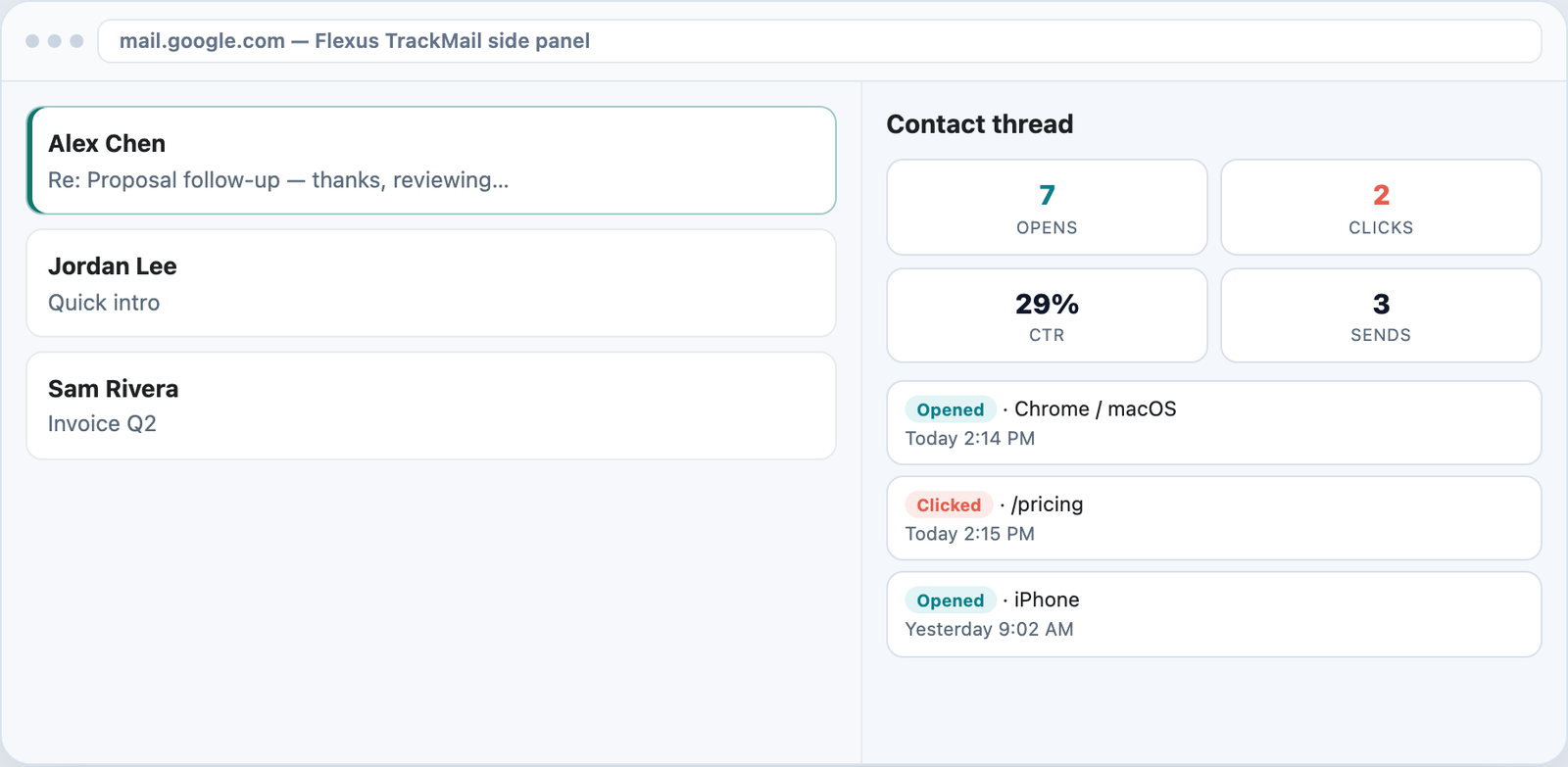
Per-URL clicks and CTR on every contact thread.
7-day Pro trial for Outlook and Gmail. No credit card required.