01
Track the send
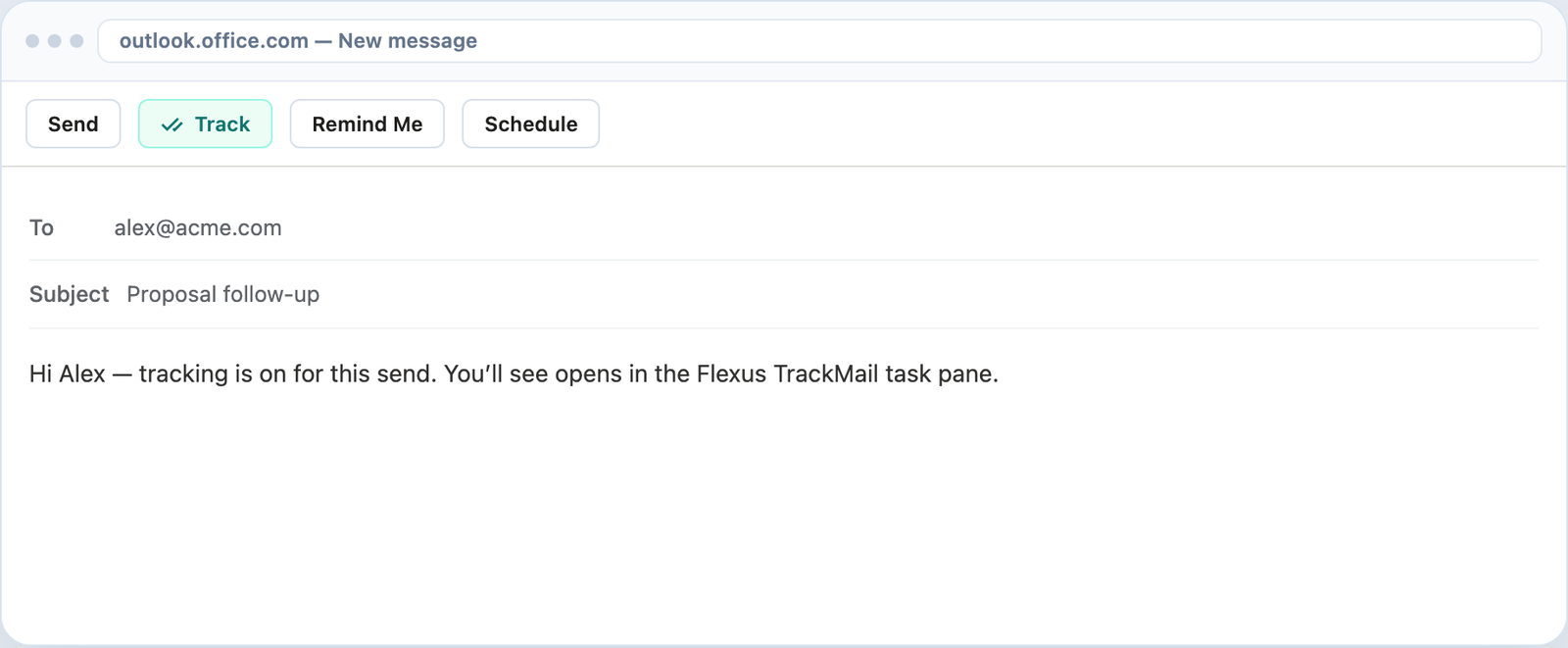
Turn Track on so opens are recorded.

Follow-up
Get reminded when mail isn’t opened, or schedule send via Microsoft Graph / Gmail API — timing stays in your control.
7-day Pro trial · No credit card · Microsoft or Google sign-in
Follow-up
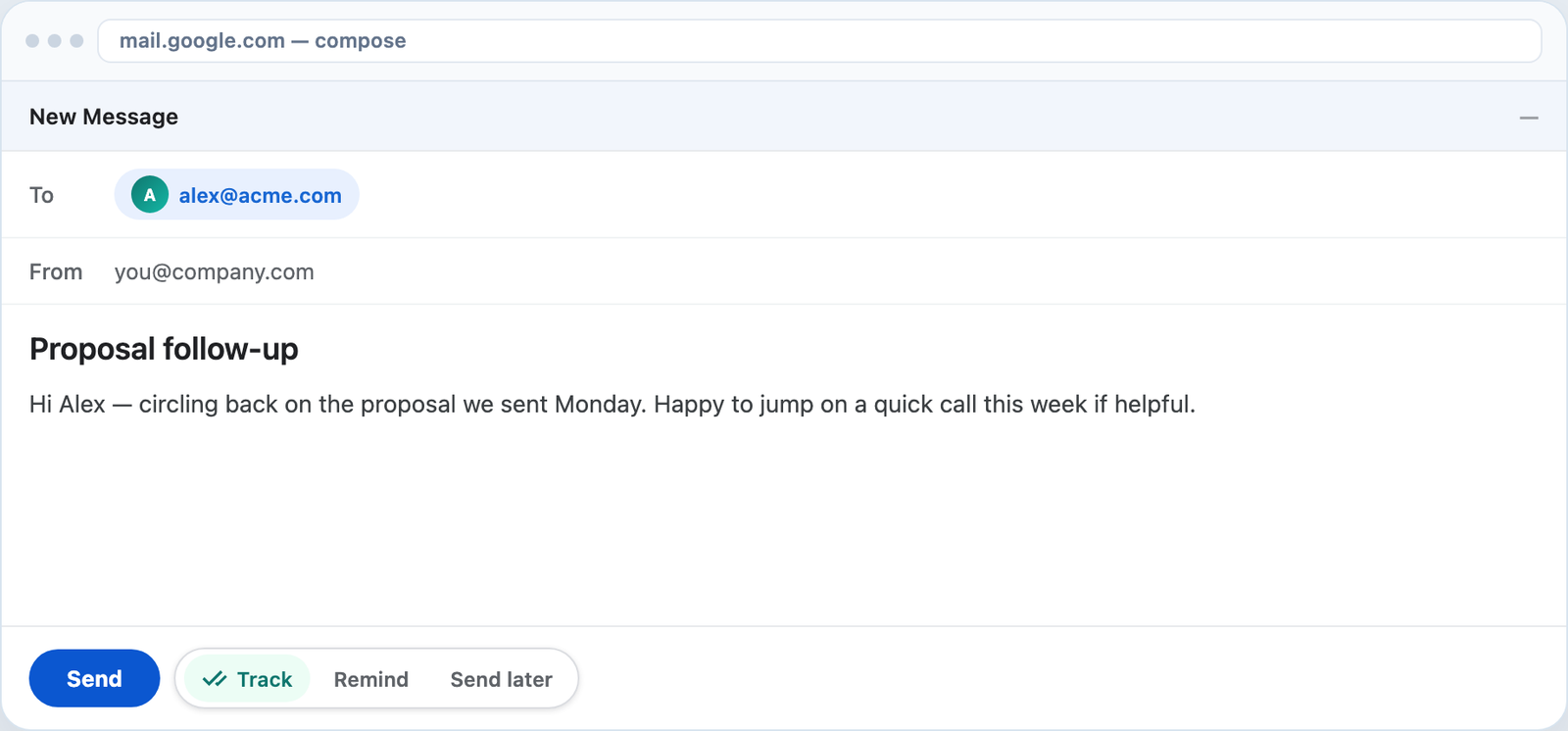
Set a reminder condition so you nudge at the right time — not too early, not days late.
Schedule
Pick a send time; Flexus TrackMail delivers through Microsoft Graph or Gmail when you chose — with tracking still on.
Together
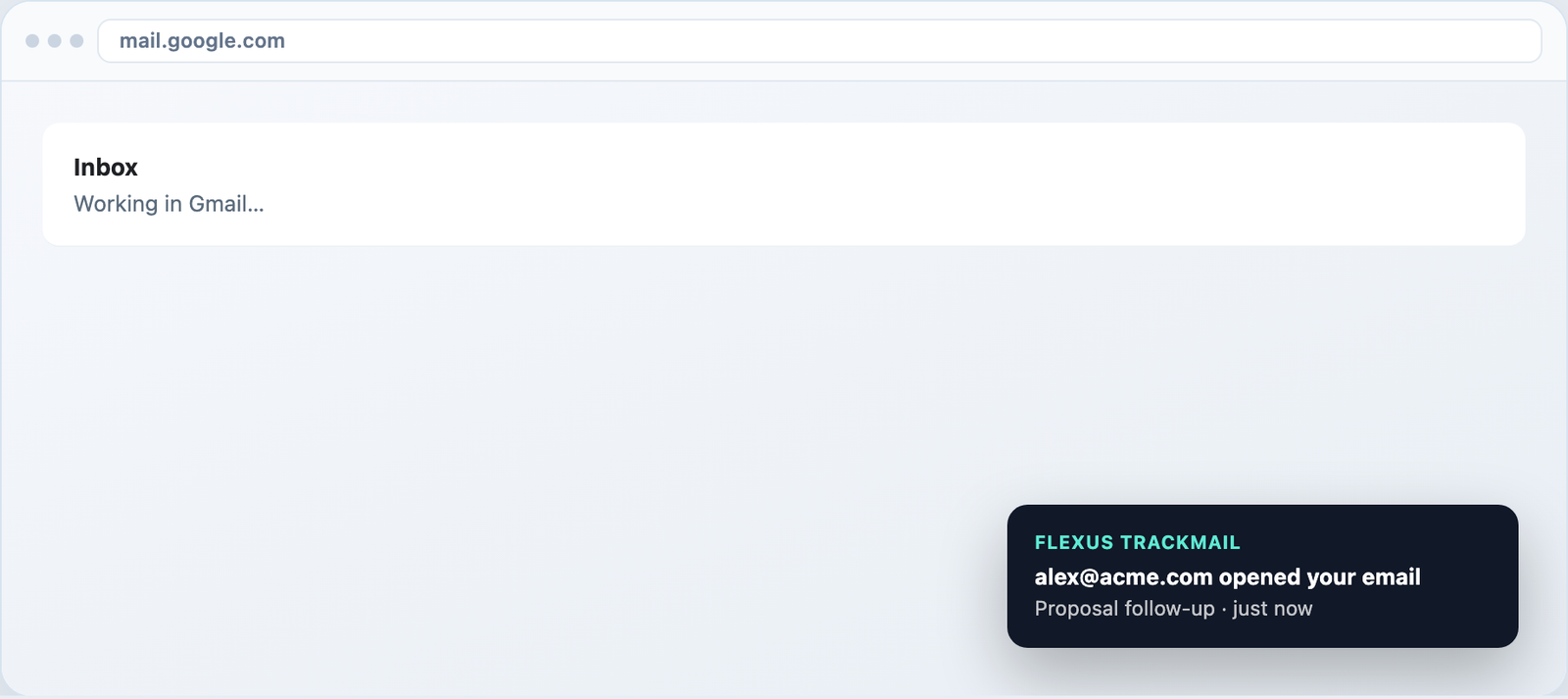
Reminders work best with read receipts and notifications — see if they opened before you follow up.
How it works
Turn Track on so opens are recorded.
Choose a condition or a future send time.
Act when the reminder fires or the mail goes out.
Who it’s for
Remind if no open after 48 hours.
Schedule candidate emails for morning local time.
Nudge on unread onboarding steps.
Queue investor updates for known open windows.
Related
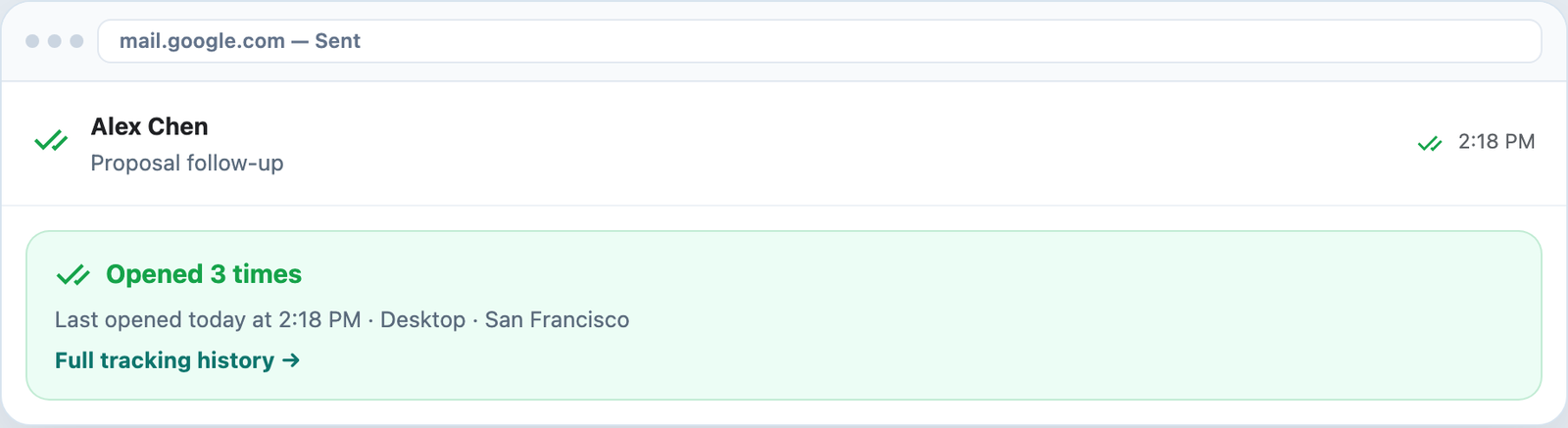
Know when messages are opened in the inbox you already use.
Visual confirmation on every tracked send.
Desktop toasts in Gmail and alerts in the web app.
Track forever free, upgrade when you need clean sends.
7-day Pro trial for Outlook and Gmail. No credit card required.