01
Sign in with Microsoft
Create your Flexus TrackMail account with Outlook.

Outlook
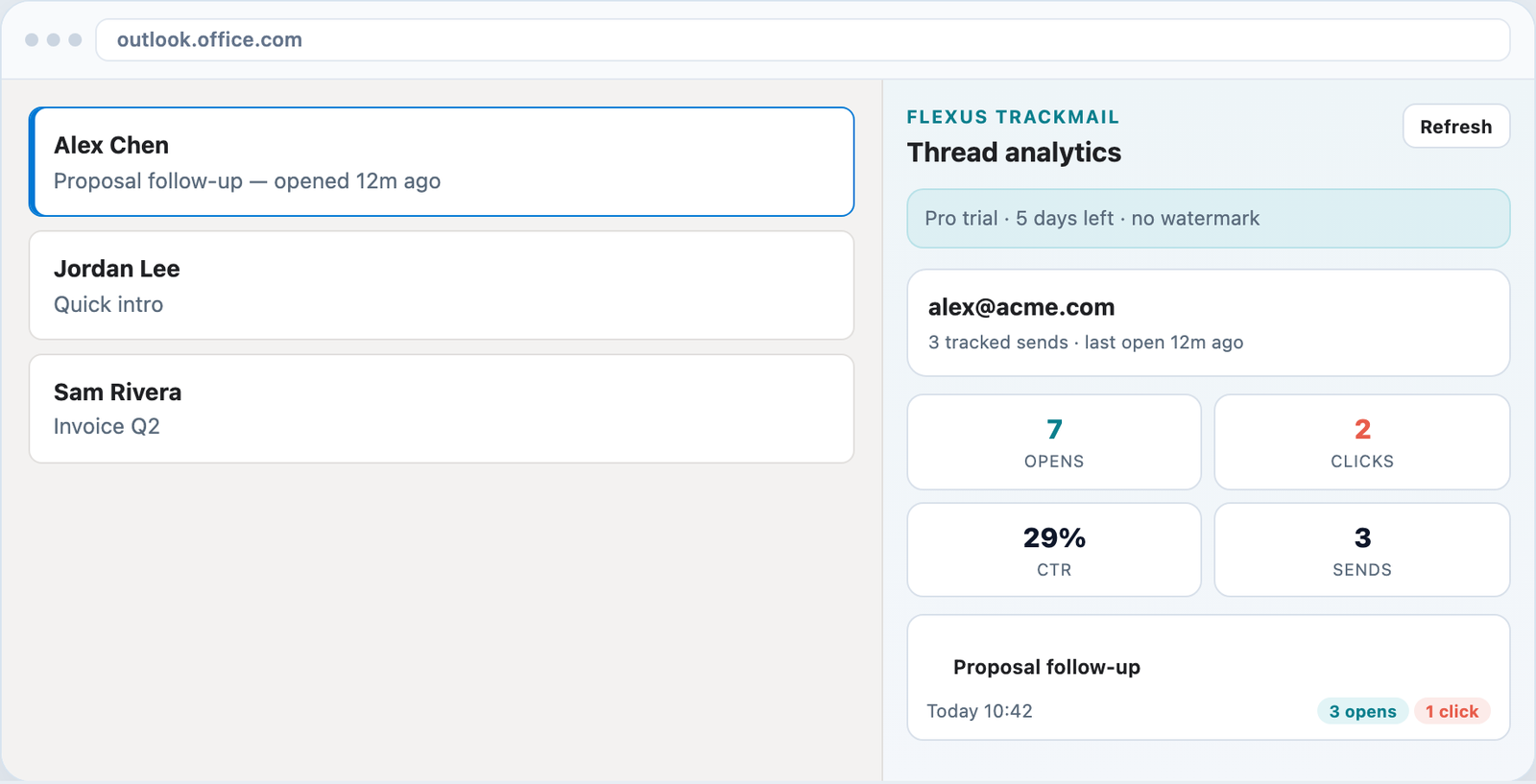
Track on send from Microsoft 365 / Outlook on the web. Open the task pane for opens, clicks, CTR, and Remind Me.
7-day Pro trial · No credit card · Microsoft or Google sign-in
Task pane
Open a sent message and the Flexus TrackMail pane shows opens, clicks, CTR%, and message history — matching Gmail side panel.
Send
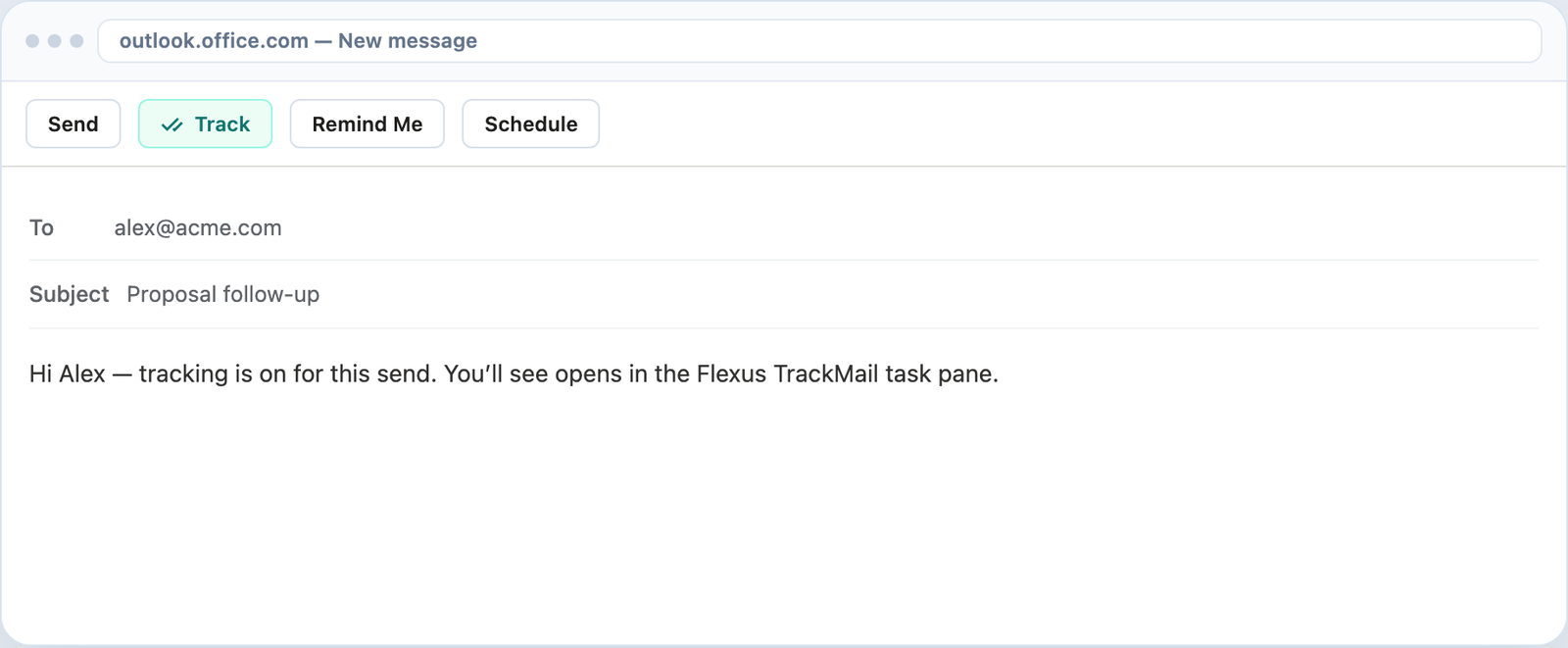
Enable Track on the message you are sending. Opens and clicks flow into the same Flexus TrackMail account as Gmail.
Teams
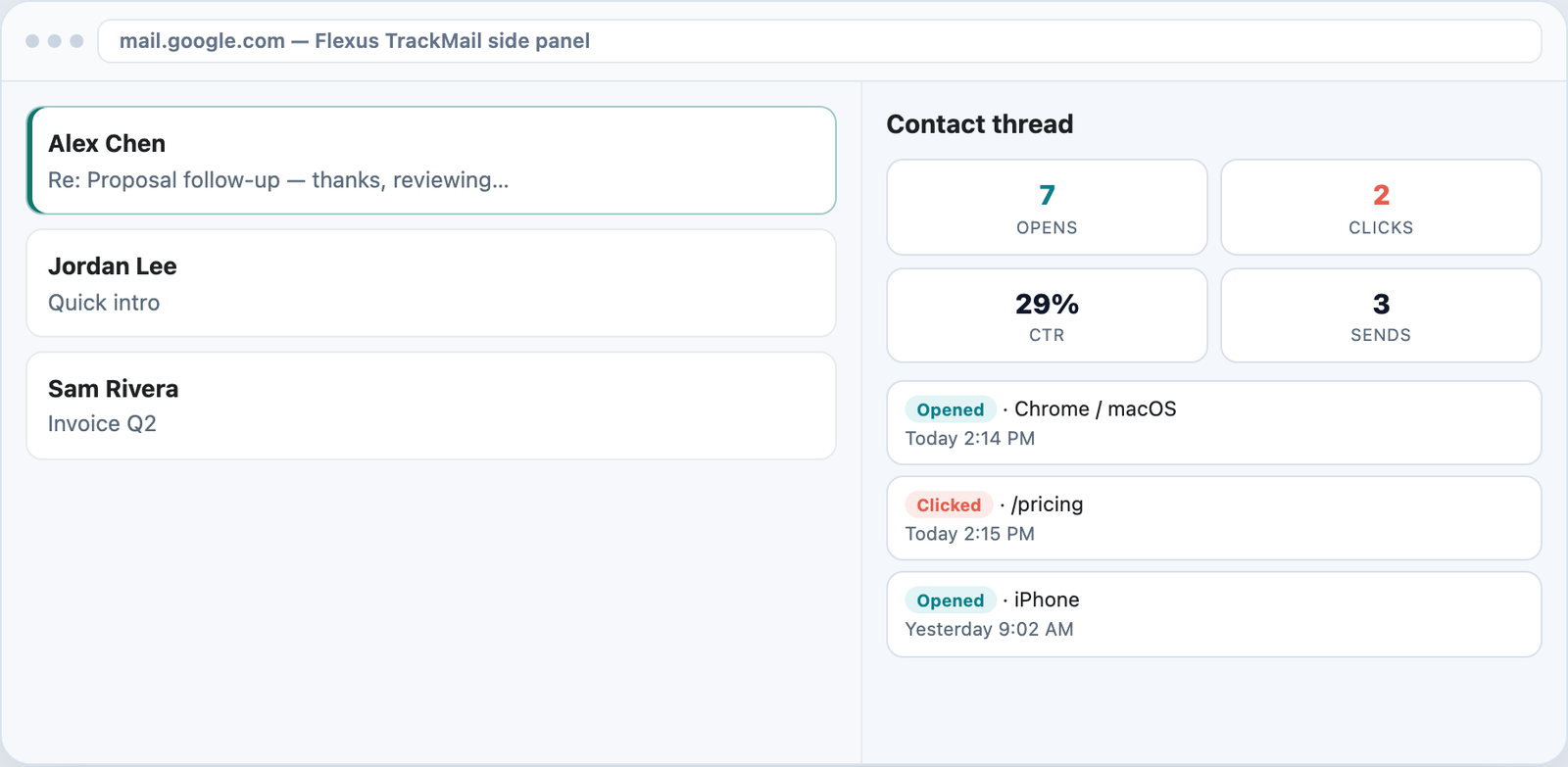
Business seats get workspace history in the web app while everyone still works from Outlook.
How it works
Create your Flexus TrackMail account with Outlook.
Load Flexus TrackMail for Outlook on the web / Microsoft 365.
Send tracked mail, then review KPIs on any sent thread.
Who it’s for
Track from the mailbox IT already provides.
See thread health before QBRs.
Confirm contracts and notices were opened.
Use Outlook at work and Gmail elsewhere — one account.
Related
Know when messages are opened in the inbox you already use.
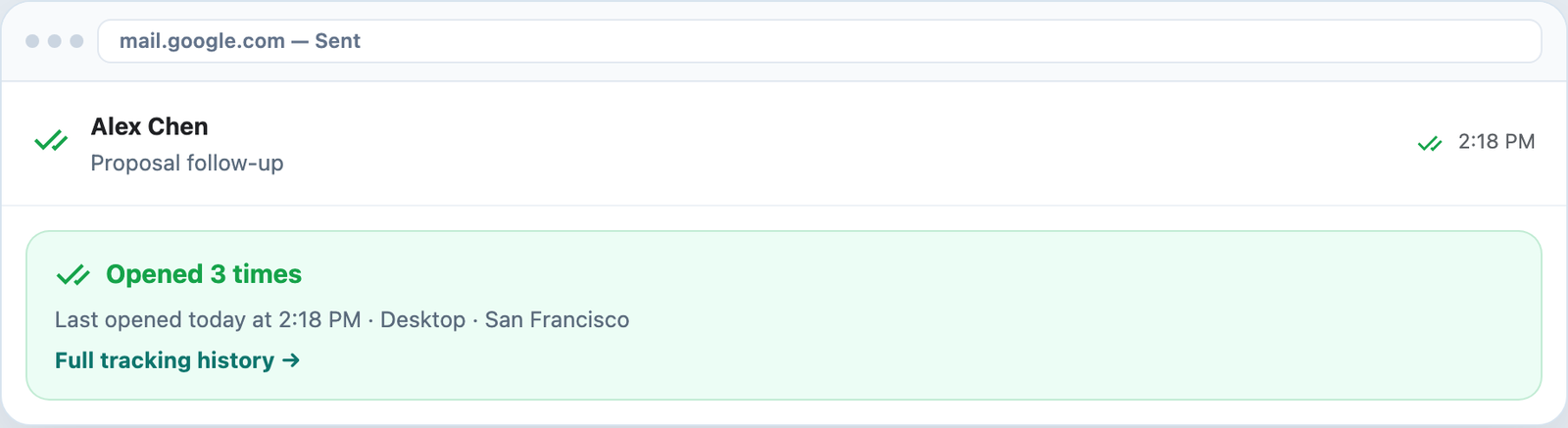
Visual confirmation on every tracked send.
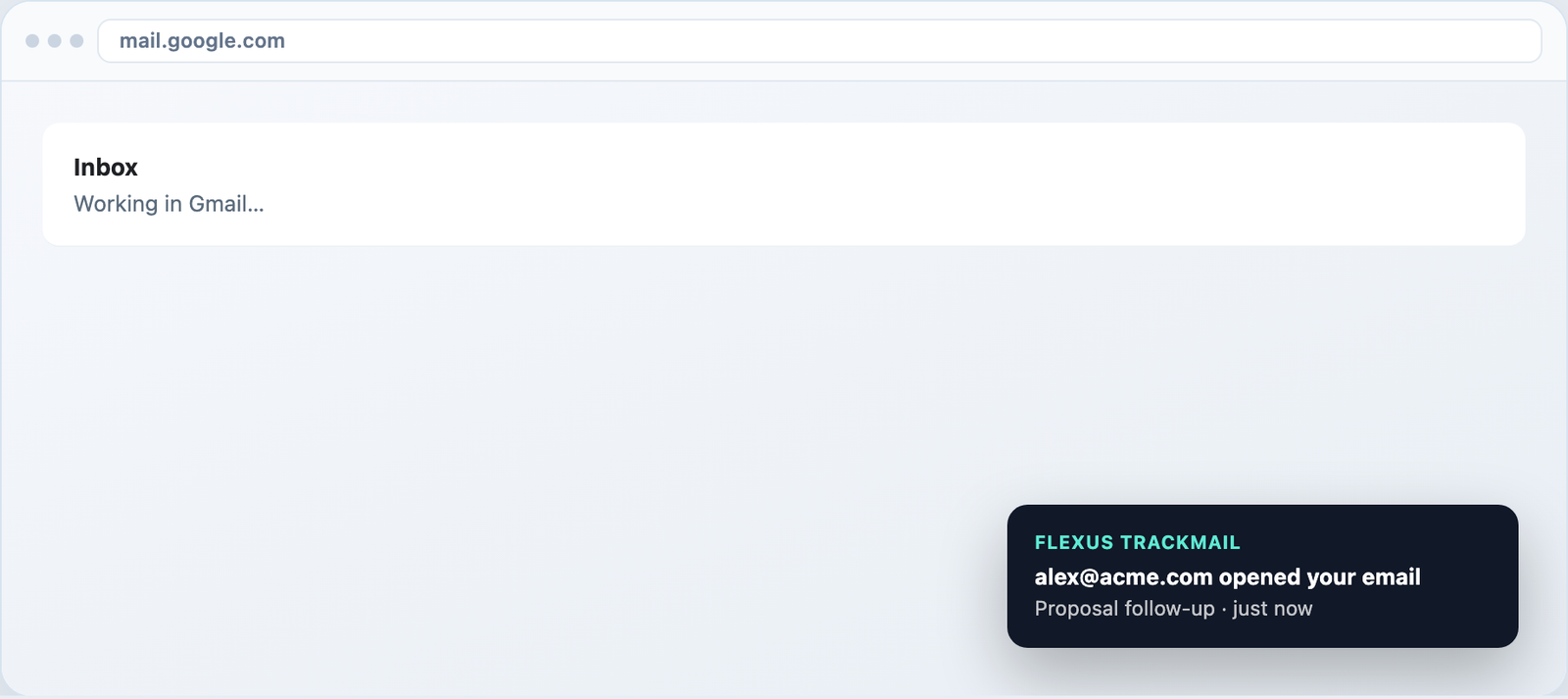
Desktop toasts in Gmail and alerts in the web app.
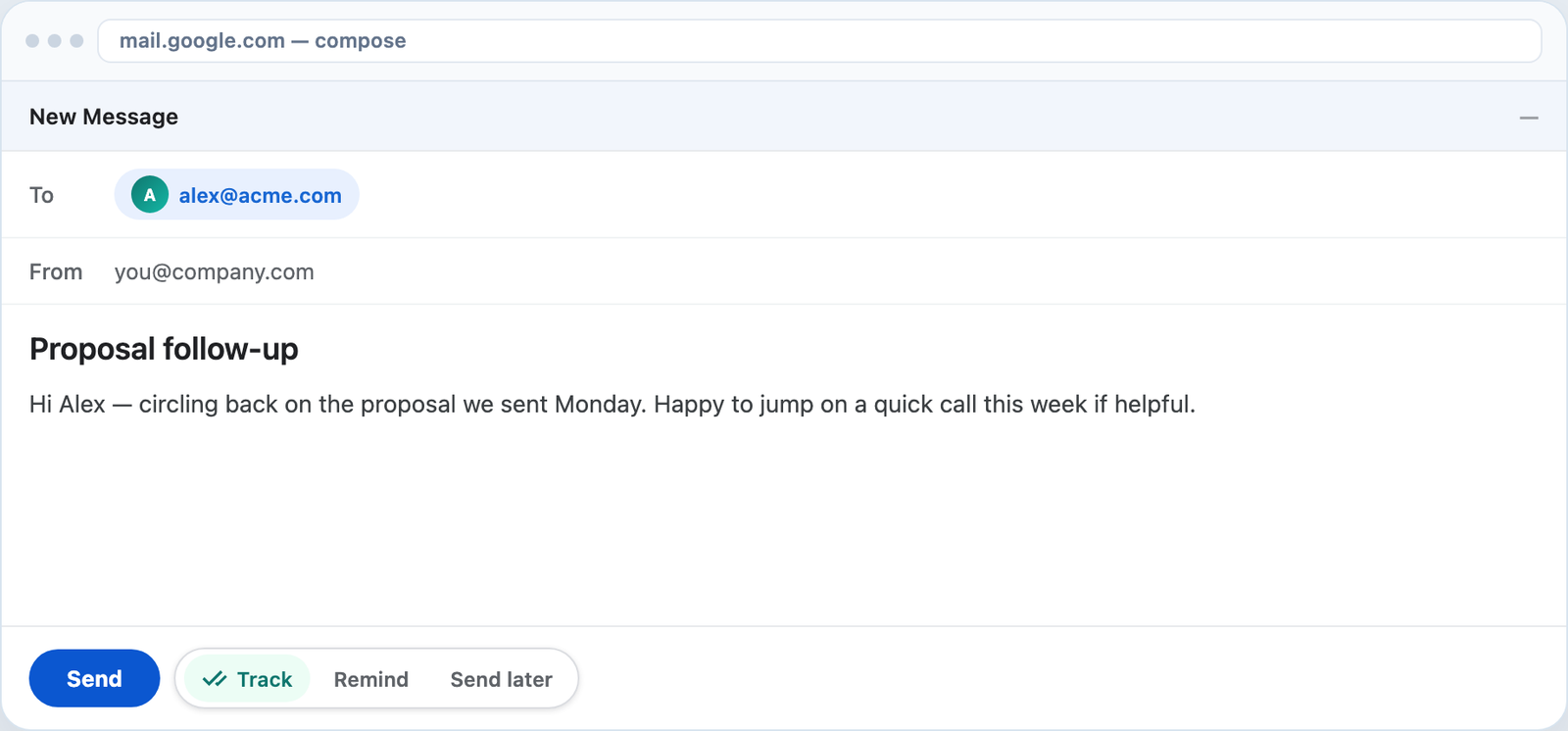
Track forever free, upgrade when you need clean sends.
7-day Pro trial for Outlook and Gmail. No credit card required.